Inbox AI

TEXT APP FEATURES

Handle it all with Inbox

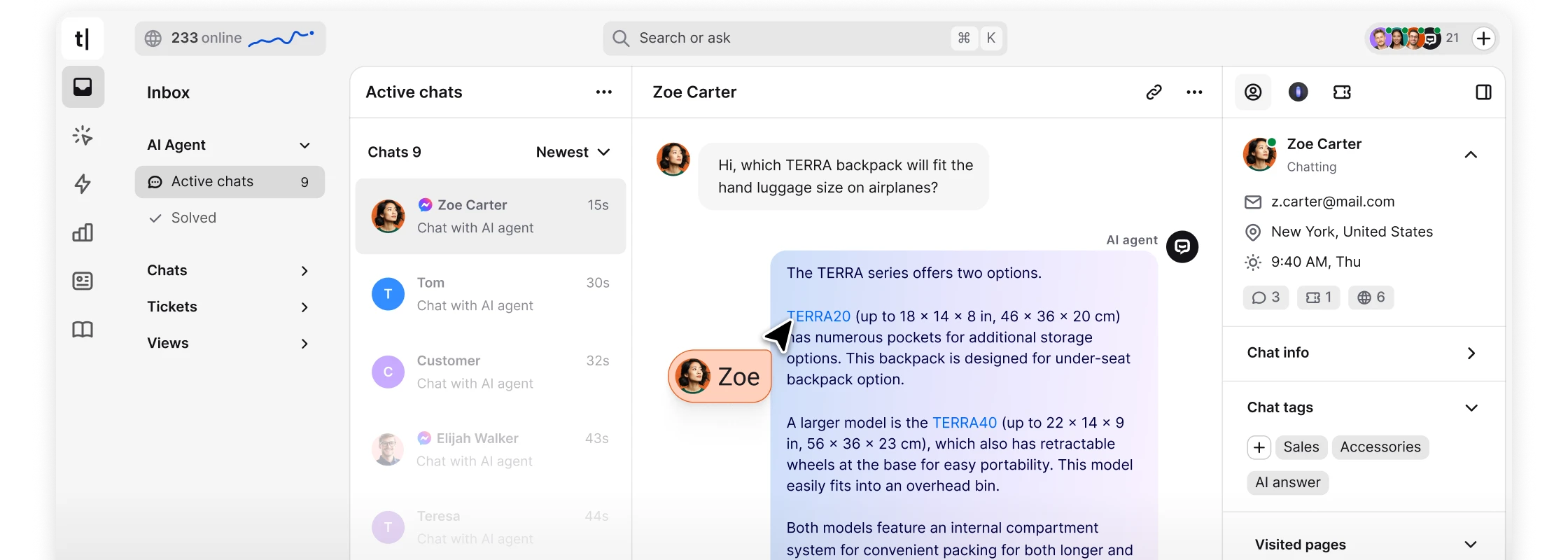
Your all-in-one command center for customer conversations. Turn scattered messages into a single flow.

TEXT APP FEATURES

Every conversation,
crystal clear.

Inbox brings all your customer messages into one view, allowing your team to focus on delivering great service.

Clarity

Every channel and message is in one clean workspace.

Organization

Chats and tickets are synced to keep every conversation on track.

Speed

Reply faster with AI tools while keeping your focus and human touch.

Context

Make replies personal with customer history and details in sight.

TEXT APP FEATURES

Intelligent automation

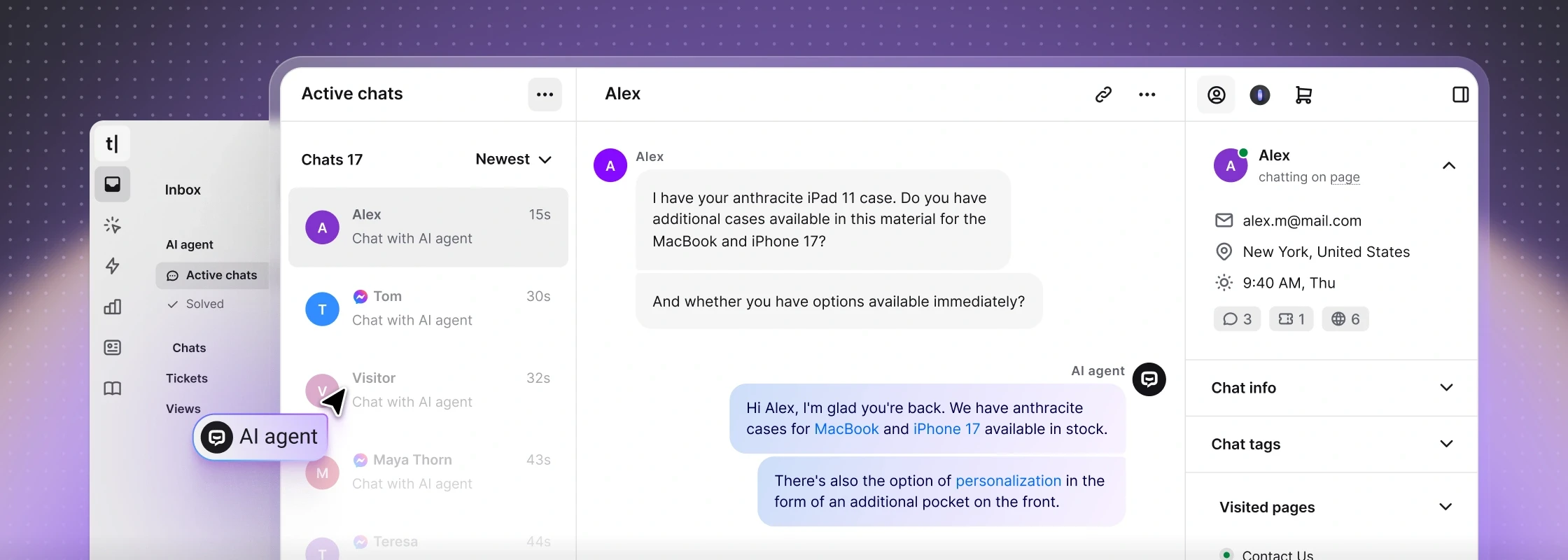
A smart assistant inside Text App that not only responds, but completes tasks for your customers.

AI agent

Your AI agent understands what customers need, figures out the next steps, and manages conversations without constant oversight.
Context-aware

Responses stay relevant with past tickets, customer behavior, and full chat history.

On-brand

Every reply sounds like you, staying consistent, personal, and always true to your voice.

Scalable, reliable coverage

The AI agent scales effortlessly to match demand, so your human team stays unburdened.

Chats

All you need,
right where you chat

Chat isn’t just messaging.
It’s a complete workspace with tools for context, collaboration, and quick replies.

Chats

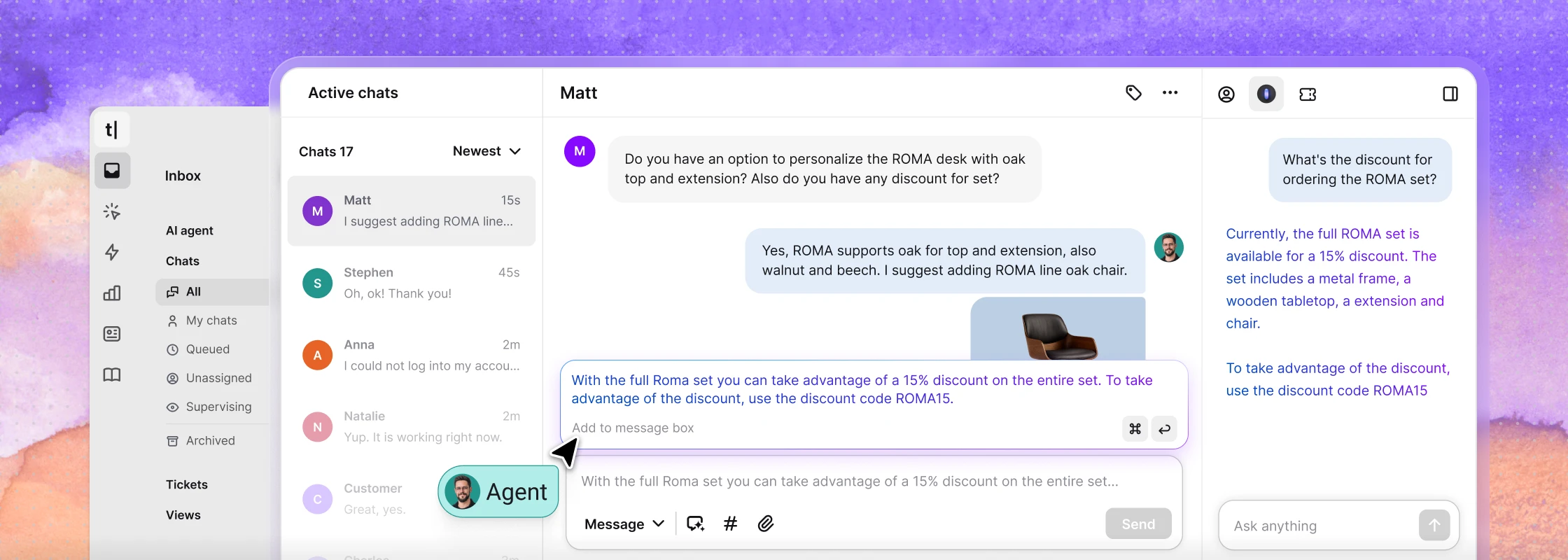
Manage real-time conversations from web, mobile, messengers, and SMS. Assign, transfer, and resolve all chats in one place.
Message box

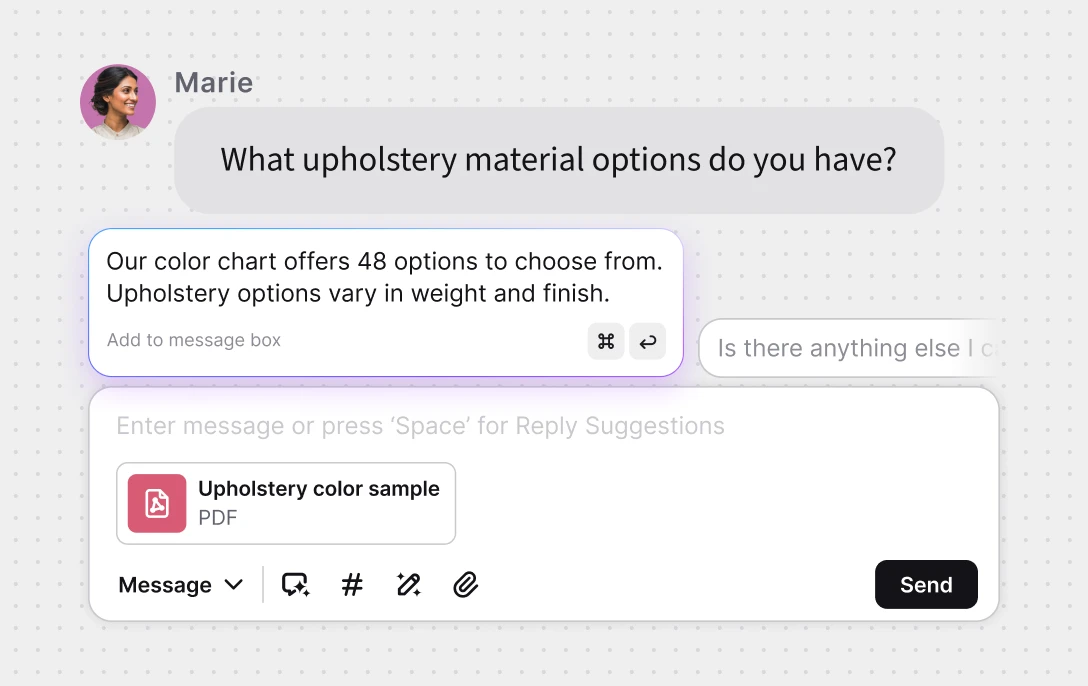
More than typing. Add internal notes, share files, or let Copilot suggest replies.
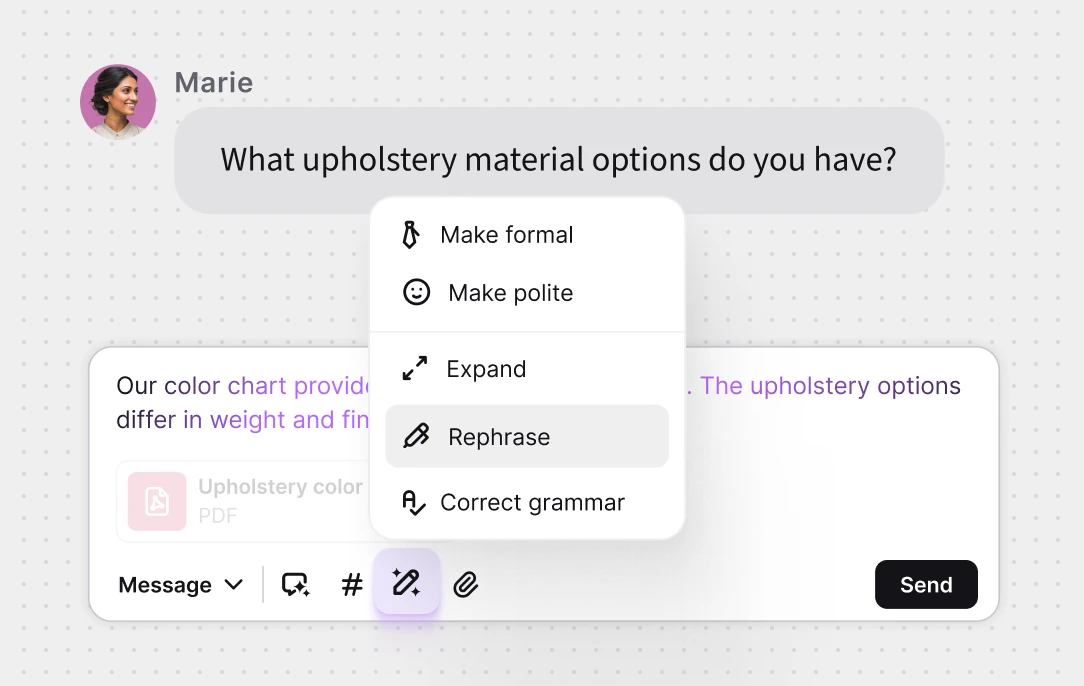
Refine text

Use AI to adjust tone, rephrase sentences, or correct grammar with one click.
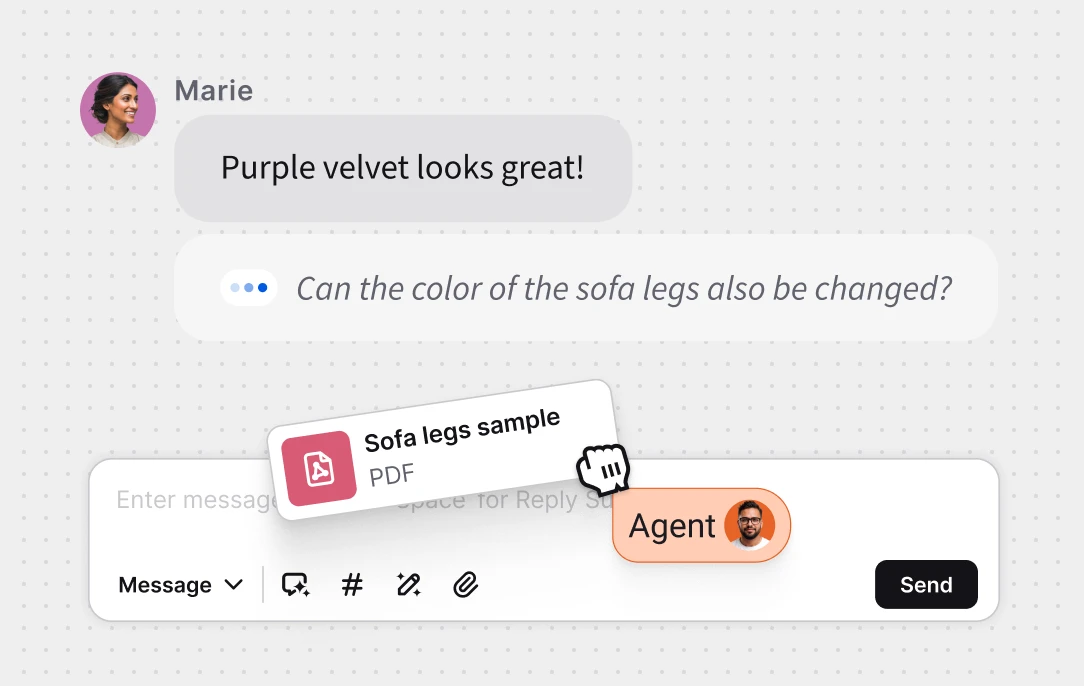
Message sneak peek

See what customers type before they hit send and stay one step ahead.
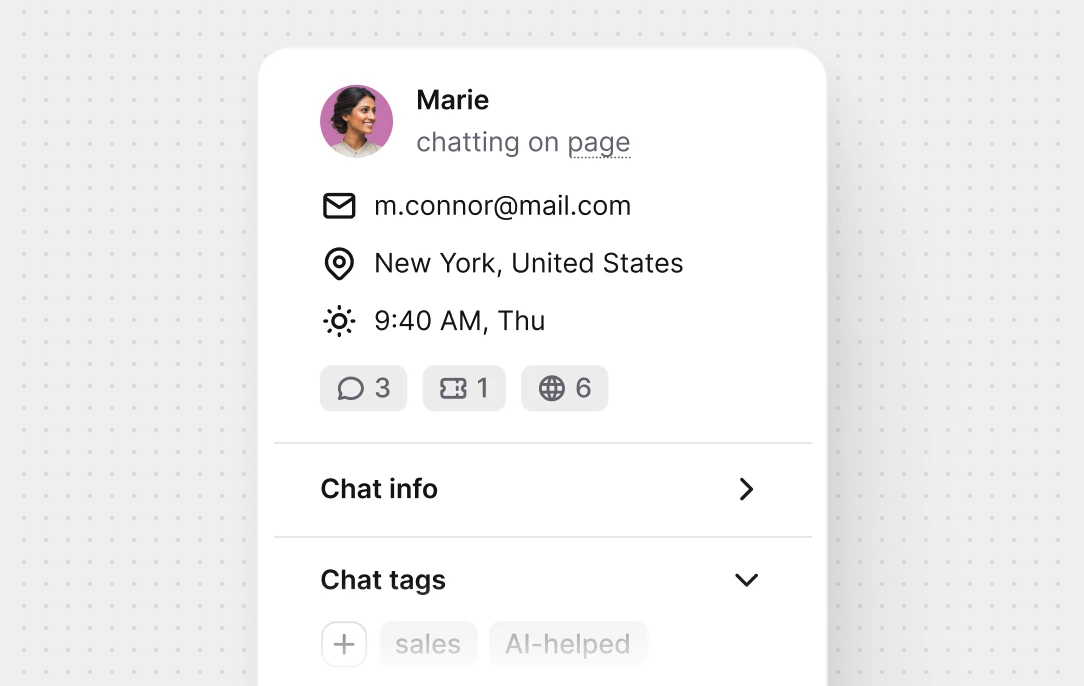
Customer details

Instant context: total visits, past chats, contact info, browser type, and more.
Text has given me agency, freedom, and the ability to focus on the next phase of our efficiency drive. Get Text AI Today
Tickets

Keep every
request on track

Turn customer requests into clear, trackable tickets that keep your team aligned and every issue moving forward.

Tickets

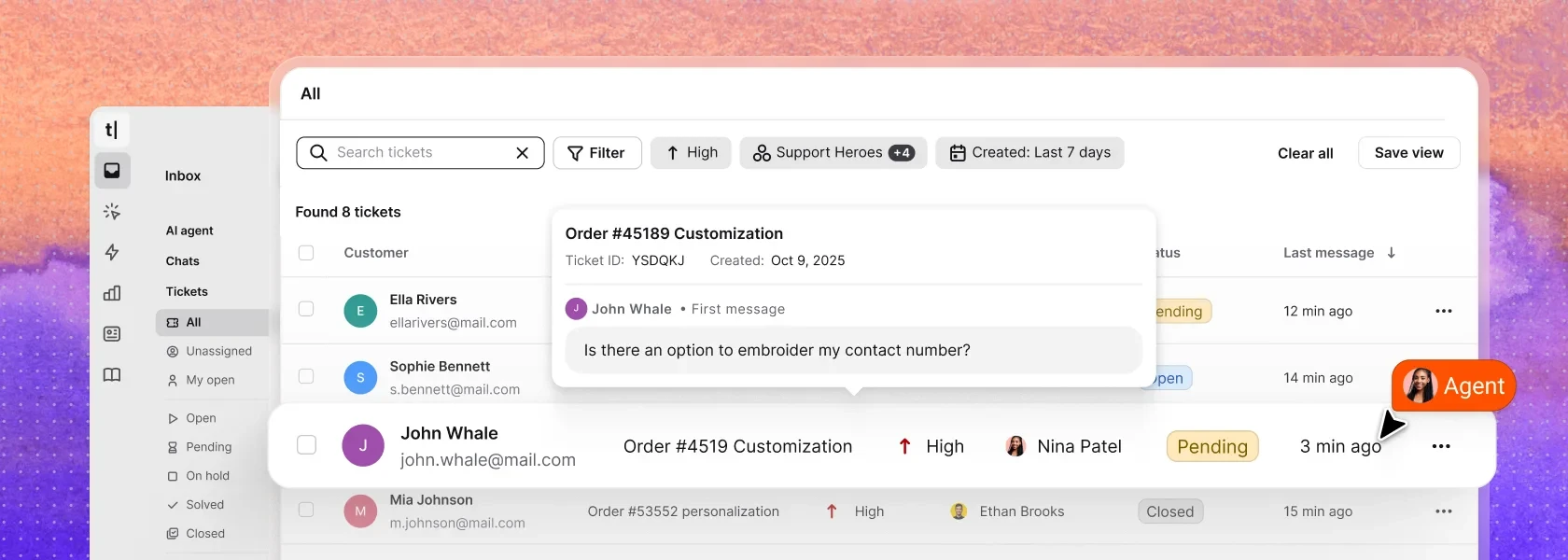
Stay on top of every request in a single shared view. Assign, prioritize, and track progress from start to resolution.

Summarize tickets with AI

AI summaries capture context, so your team understands each ticket and responds confidently.
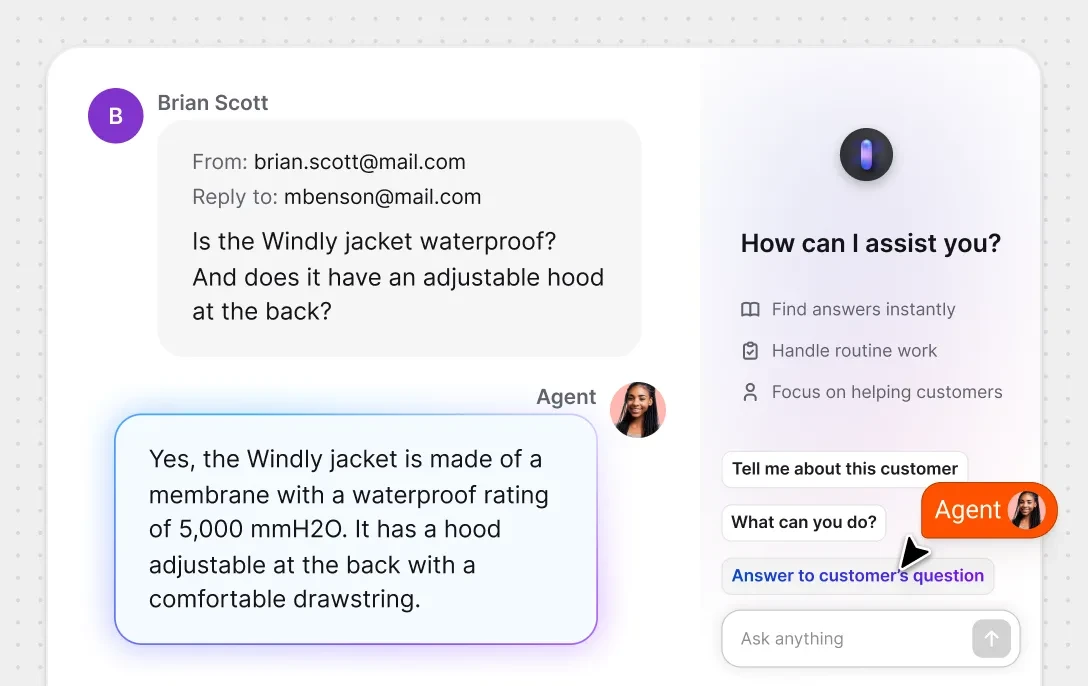
Answer with Copilot

Reply faster with AI-drafted responses that match your tone and context. Review, tweak, and send.

Ticket rules

Set rules to assign, prioritize, or tag tickets automatically.

Ticket templates

Use templates for common requests to reply faster.

Forwarding from email

Manage emails and other requests in one place.

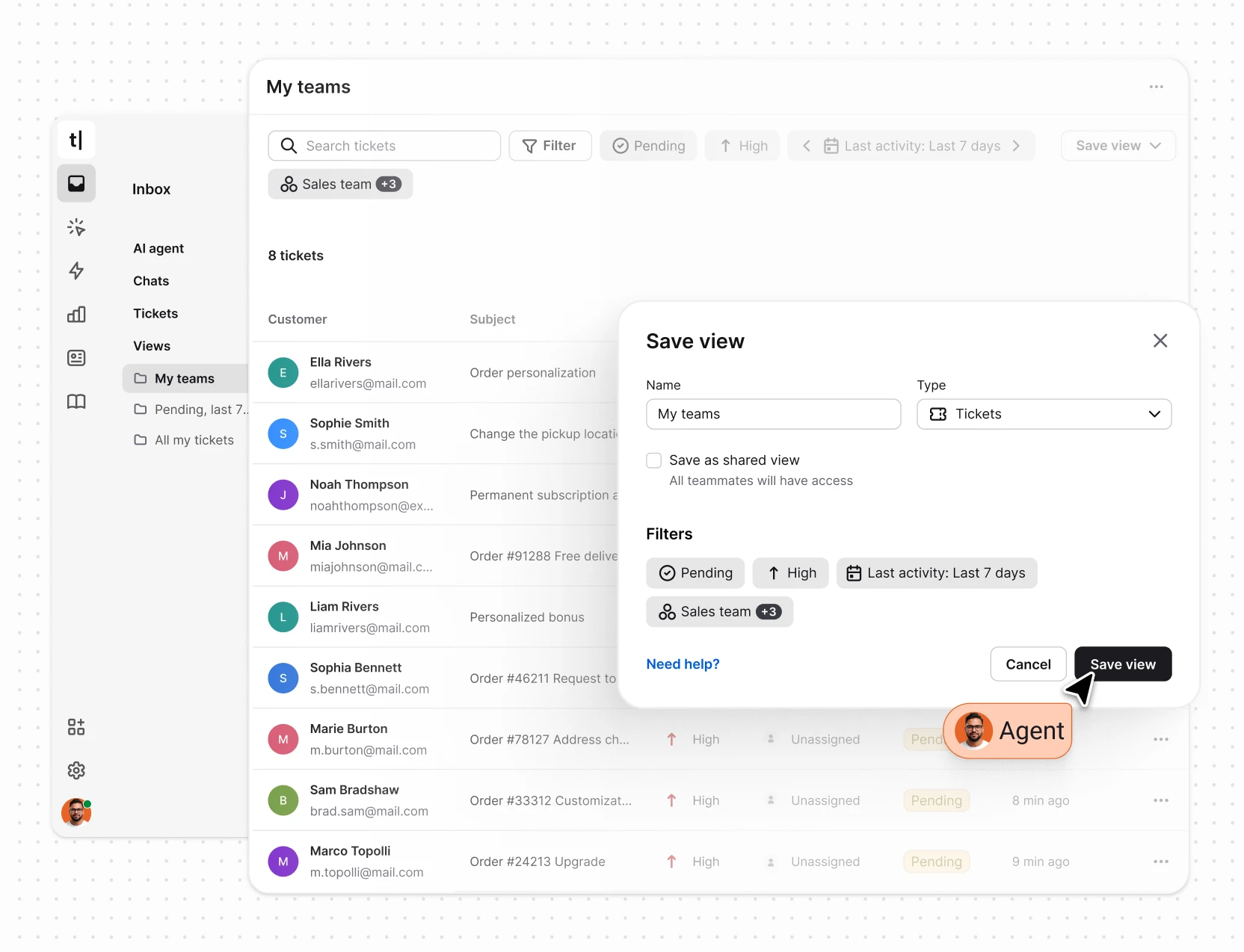
Views

Focus on what matters most

Organize tickets and chats with custom filters for status, type, or priority, ensuring key cases are always visible.